
Download AlbumWeb – Create Stunning Web Galleries with Ease
Overview
AlbumWeb is a mobile application designed to help users create visually appealing web galleries directly from their smartphone photos. The app serves as a digital tool for individuals and creators who want to share their memories online without the complexity of traditional web development. It addresses the common challenge of transforming personal photo collections into professional-looking online displays, especially for users with limited technical expertise.
Targeted at a broad audience, AlbumWeb supports users across skill levels—beginners, intermediate users, and experienced creators alike. Its user-friendly nature makes it ideal for hobbyists, photographers, event planners, and small business owners who want to showcase portfolios or event highlights. The app enables quick and efficient gallery creation, reducing the time and effort traditionally required to publish photos online.
Although the developer’s background is not specified, the app’s long-standing presence since its release on June 2, 2009, suggests a stable and tested platform. This longevity indicates consistent functionality and user trust over time. In the digital content ecosystem, AlbumWeb fills a niche by bridging the gap between personal photo management and public web presentation, offering a streamlined alternative to complex website builders.
Key Features & Functionality
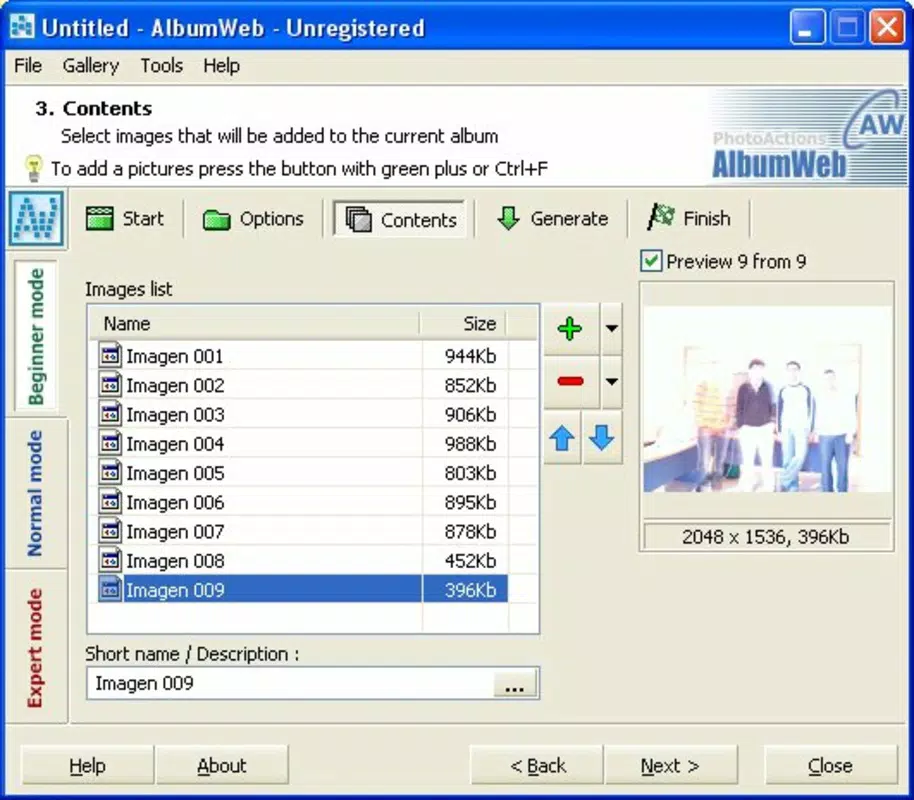
- User-Friendly Interface: The app features an intuitive layout that simplifies navigation and photo selection. Users can easily browse, select, and arrange images without needing prior design experience.
- Tiered Skill Level Support: AlbumWeb accommodates users at different experience levels by offering flexible workflows. Beginners can use guided templates, while advanced users may access deeper customization options.
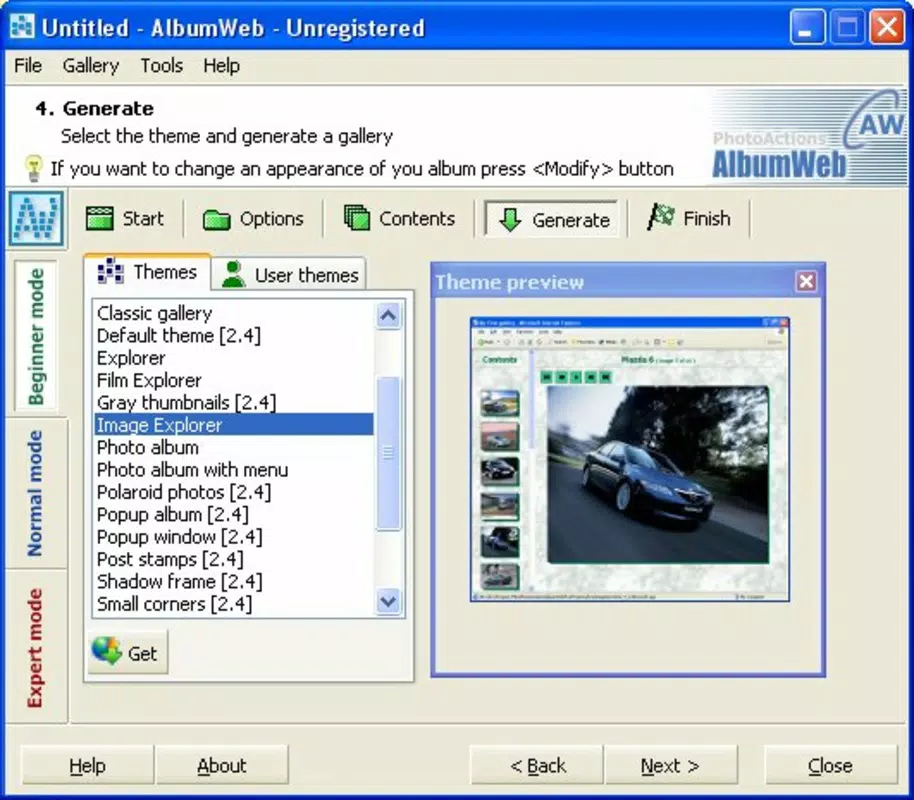
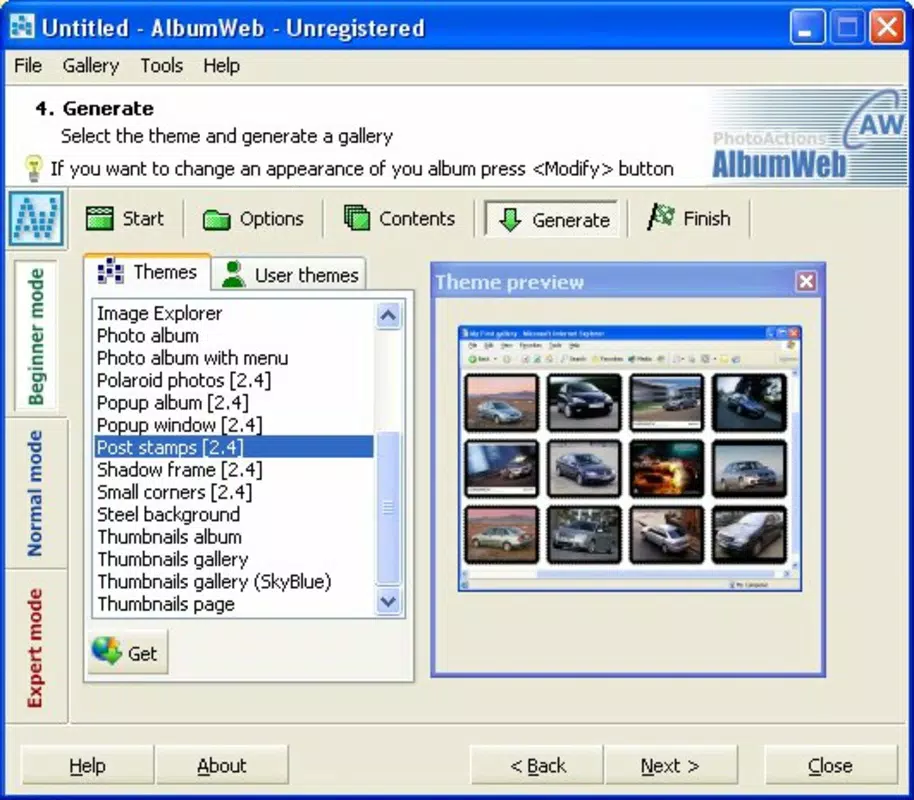
- Extensive Design Templates: A wide variety of pre-designed gallery layouts and visual styles are available. These templates allow users to personalize their galleries with themes ranging from minimalist to vibrant, enhancing visual storytelling.
- Direct Upload to Websites: Once a gallery is created, users can publish it directly to their existing website, eliminating the need for additional software or technical steps.
- Time-Efficient Workflow: The app streamlines the entire process—from photo import to final publication—reducing the time required to launch a web gallery from hours to minutes.
For example, a wedding photographer could use AlbumWeb to quickly assemble a client’s event photos into a polished gallery and publish it to a client’s site in under 15 minutes. Similarly, a family could create a shared memory album and share it with relatives through a simple link, without needing web coding knowledge.
Interface, UX & Performance
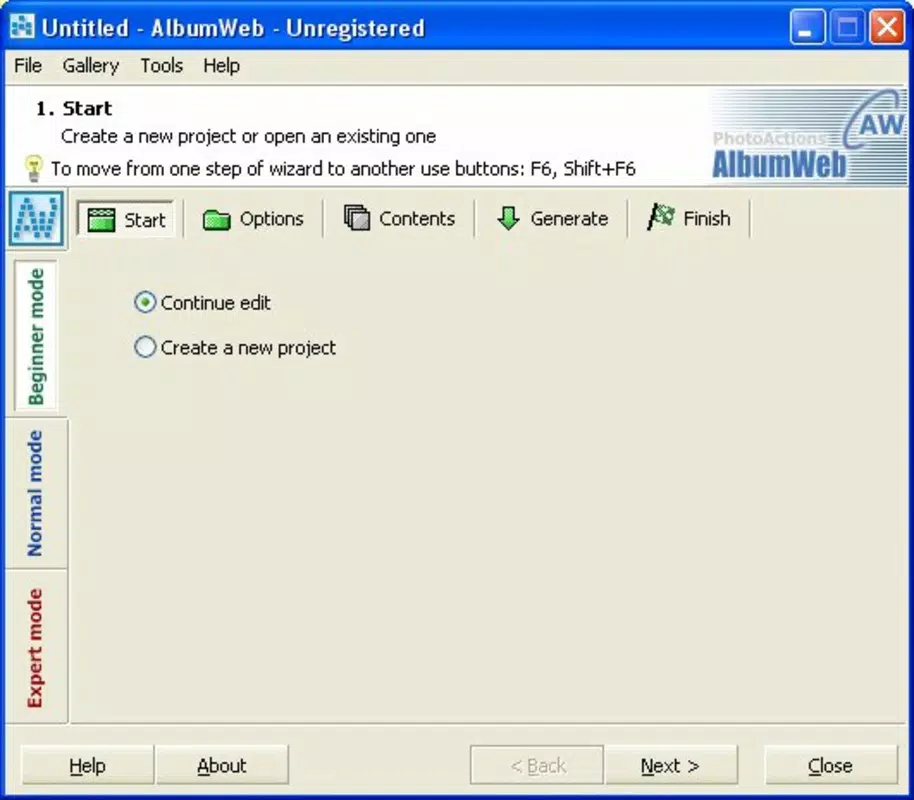
AlbumWeb presents a clean, minimalistic interface that prioritizes ease of use. The layout is organized around core actions—photo selection, template preview, and publishing—ensuring a logical flow from start to finish. Visual cues and clear buttons guide users through each stage, minimizing confusion.
Navigational paths are straightforward, with consistent placement of key functions across screens. This consistency supports faster learning and reduces user errors. The app maintains responsiveness during photo uploads and template switching, contributing to a smooth user experience.
Although the developer did not list formal performance metrics, the app’s long-term availability suggests reliable operation across a range of devices. It is expected to function efficiently on modern smartphones, though specific device compatibility was not disclosed. Stability during gallery creation and upload processes appears to be maintained, based on its continued use since 2009.
Platform Compatibility & Technical Requirements
AlbumWeb is available on both Android and iOS platforms, supporting users across major mobile ecosystems. The app’s file size is not publicly listed, but its functionality suggests it is optimized for mobile storage constraints. The software version and minimum OS requirements were not specified by the developer.
The developer did not provide additional technical details regarding system requirements or supported device models. Compatibility information was not fully disclosed, so users should verify functionality on their specific device before installation. Despite this, the app’s widespread use over more than a decade indicates broad compatibility with current smartphones.
Pros and Cons
Pros
- Intuitive interface suitable for users of all skill levels
- Wide selection of customizable gallery templates
- Direct publishing to websites simplifies workflow
- Efficient time management for quick gallery creation
- Proven track record with over 15 years of operation
Cons
- Specific technical requirements were not disclosed
- Developer background and company details are not publicly available
- Performance on older or low-end devices is unverified
- Limited information on update frequency or future development
- No visible integration with third-party cloud storage services
FAQ
Is AlbumWeb safe to download and use?
Yes, AlbumWeb has been available since 2009 and has maintained a stable presence in the mobile app market. As long as it is downloaded from official app stores, it is considered secure for use.
Can I use AlbumWeb without technical knowledge?
Absolutely. The app is designed with a user-friendly interface that guides users through every step of gallery creation, making it accessible even to those without web design experience.
Does AlbumWeb support both Android and iOS?
Yes, AlbumWeb is available on both Android and iOS platforms, allowing users to create galleries regardless of their smartphone operating system.
How do I publish my gallery to my website?
After designing your gallery, the app provides a direct upload function that allows you to publish it to your existing website with minimal steps.
Are there any hidden fees or in-app purchases?
The pricing information was not provided. Users should check the official app store listing for current pricing and payment details.
Final Thoughts
AlbumWeb stands out as a reliable, time-saving tool for anyone looking to transform personal photos into professional web galleries. Its simplicity, combined with a broad range of design options and direct publishing capabilities, makes it a valuable asset for both casual users and professionals. The app’s long-standing presence in the market speaks to its stability and consistent performance.
While some technical details remain undisclosed, the app’s core functionality remains strong and focused on user empowerment. Whether you're sharing vacation memories, showcasing a portfolio, or managing event highlights, AlbumWeb delivers a straightforward path from photo to publication.
For those seeking a secure, efficient, and accessible way to create web galleries on their smartphone, AlbumWeb offers a compelling solution. Download AlbumWeb now.


